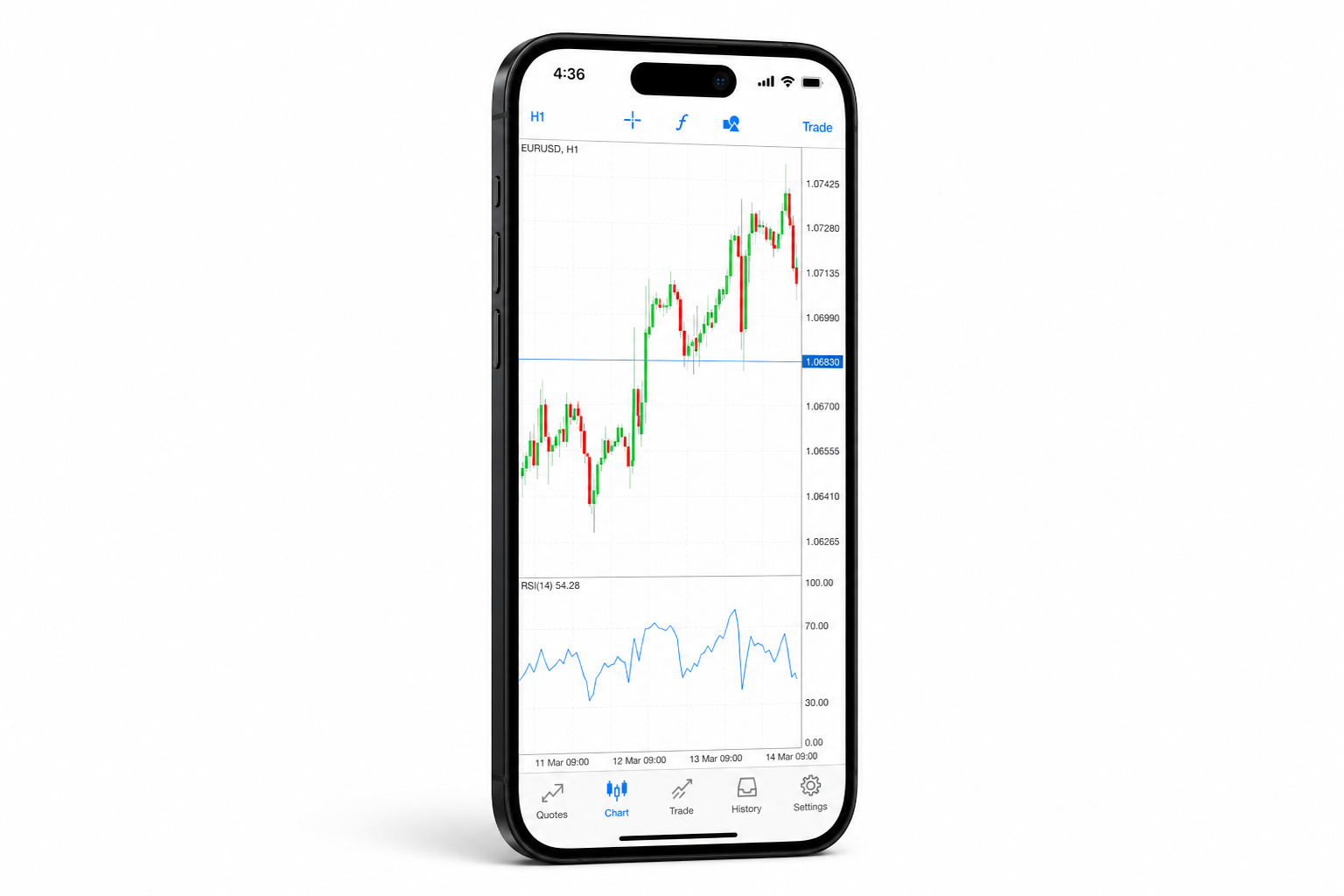


ANDROID
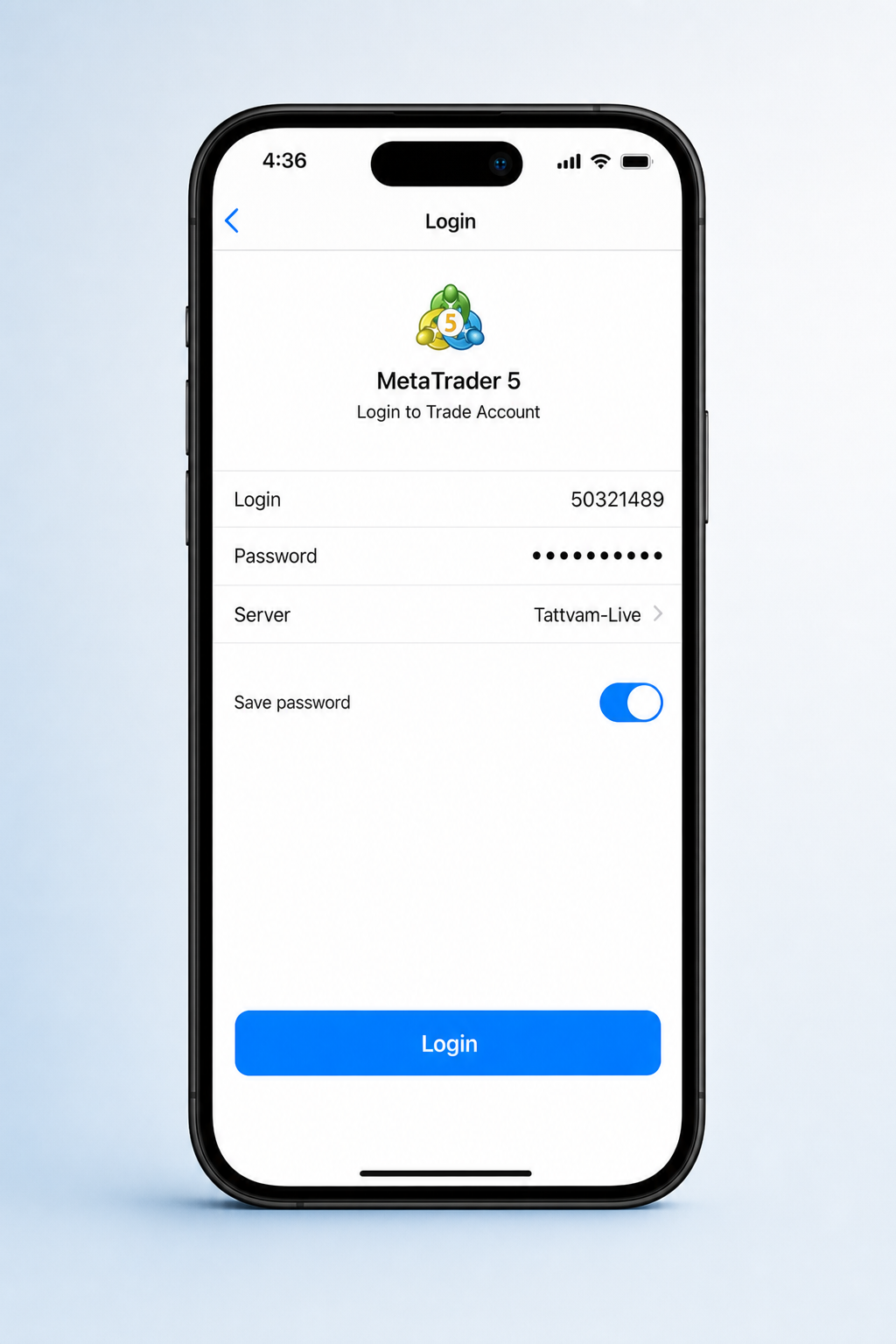
01. Login
Sign in with your Tattvam MT5 credentials on mobile.

Platforms
A versatile platform compatible with PC, Mac, Android, laptop, Web, and Windows. MT5 integrates all the essential elements while introducing extra capabilities and an enhanced environment tailored for EA trading.
More markets, more tools, more from your trading.
A versatile platform compatible with PC, Mac, Android, laptop, Web, and Windows. MT5 integrates all the essential elements while introducing extra capabilities and an enhanced environment tailored for EA trading.
Available for Windows, iOS, and Linux
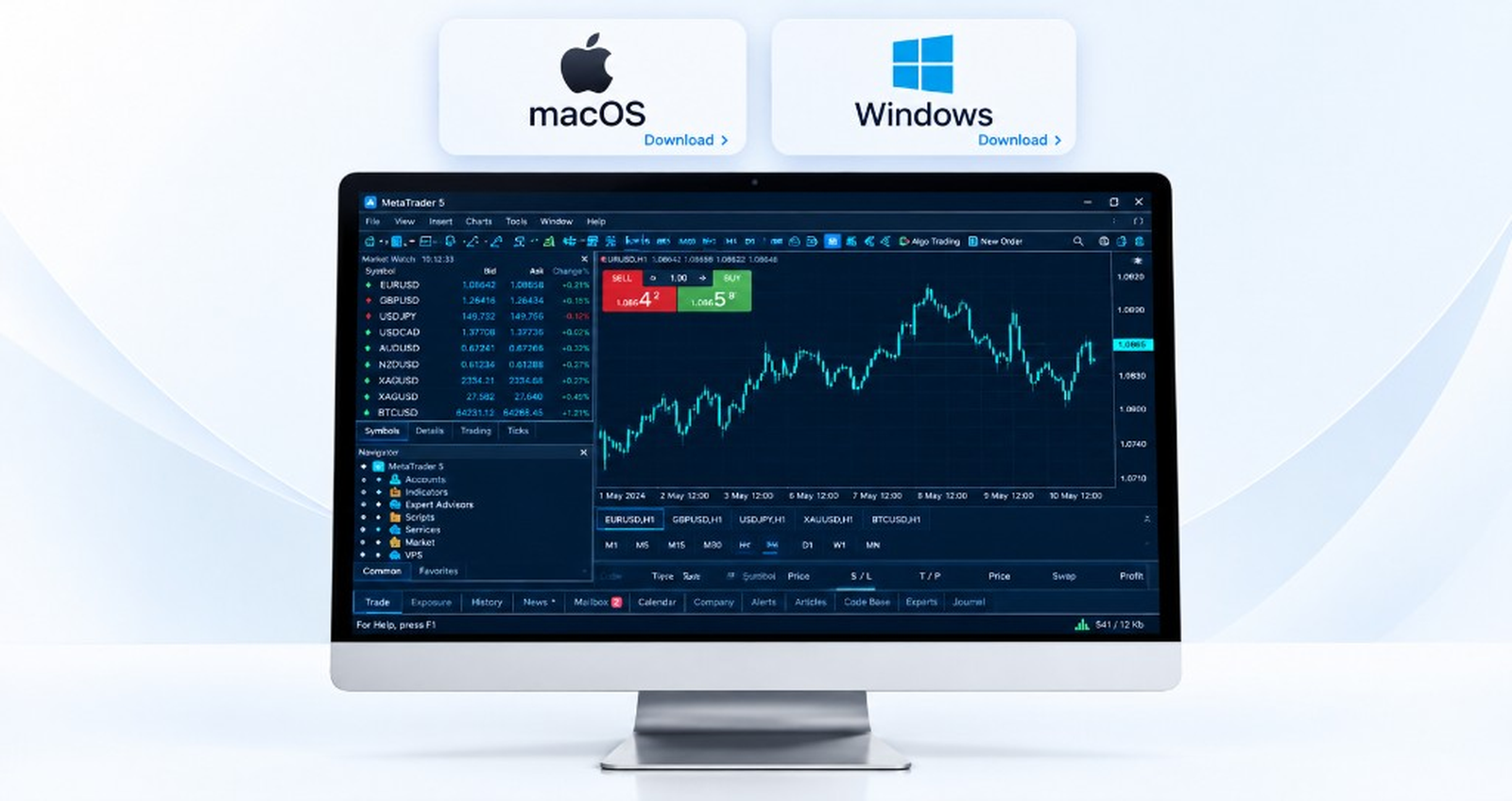
Android & iOS
Login, trade, chart, and manage tools, properties, Tradays, expiry dates, commission rates, and swap charges on MetaTrader 5 mobile.
ANDROID
Sign in with your Tattvam MT5 credentials on mobile.
Platforms
One MetaTrader 5 account — trade, chart, and manage positions on every device.
Download MT5 for Windows, iOS, or Linux from the Get the App section.
When launching the platform for the first time, click on File and select Login to Trade Account.
Enter your Tattvam account login credentials.1
Place market, pending, and stop orders — then analyse price with 3 chart types and 9 timeframes.
1 You can find your login ID in the Tattvam client portal under My Accounts. Use your Tattvam MT5 credentials to connect the terminal.
Why Tattvam
Official MT5 for Tattvam clients
Forex, indices, commodities & shares
Expert Advisors & strategy tester
Integrated Acuity news & research
Open your account and start trading on MetaTrader 5 — it's easy.